Docker-powered, fully isolated AI development sandbox
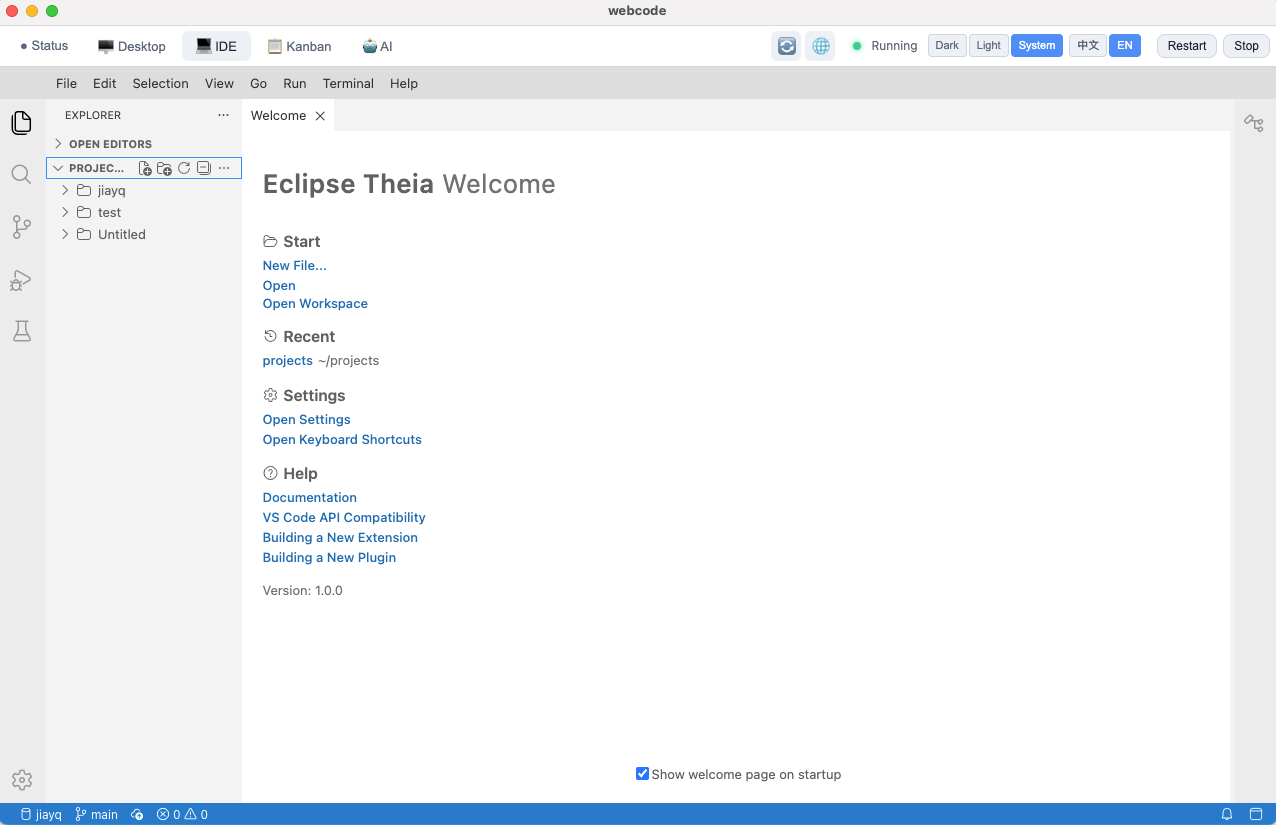
Full-featured code editor with Git integration
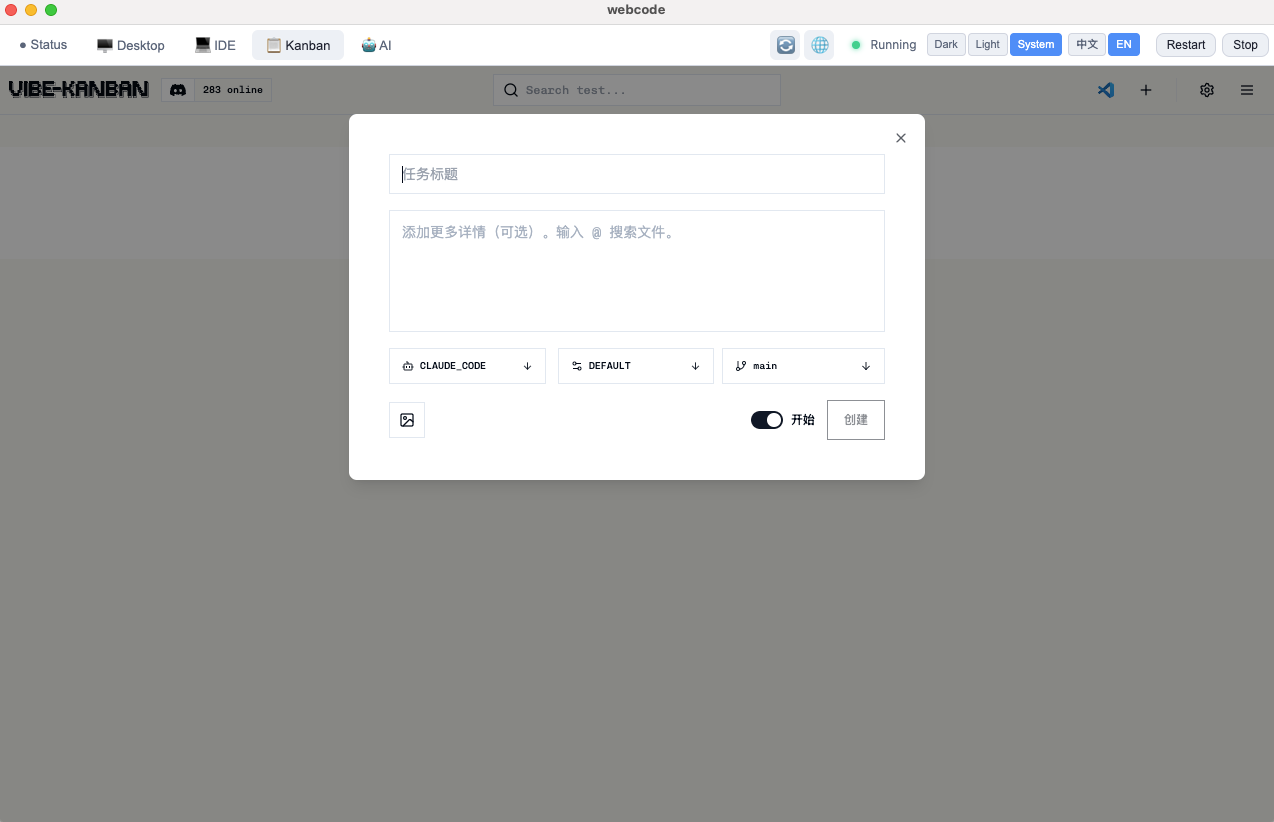
Visual task management board
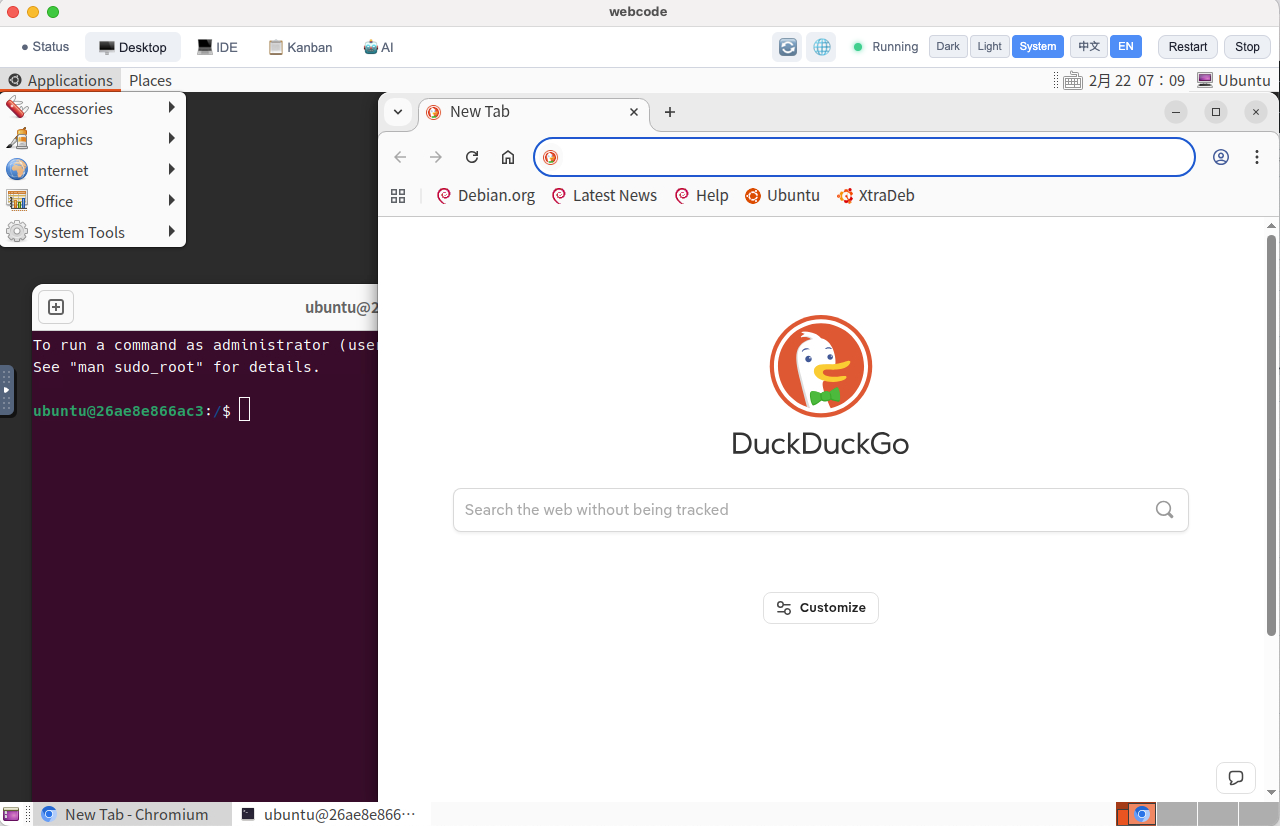
Complete GNOME desktop via noVNC
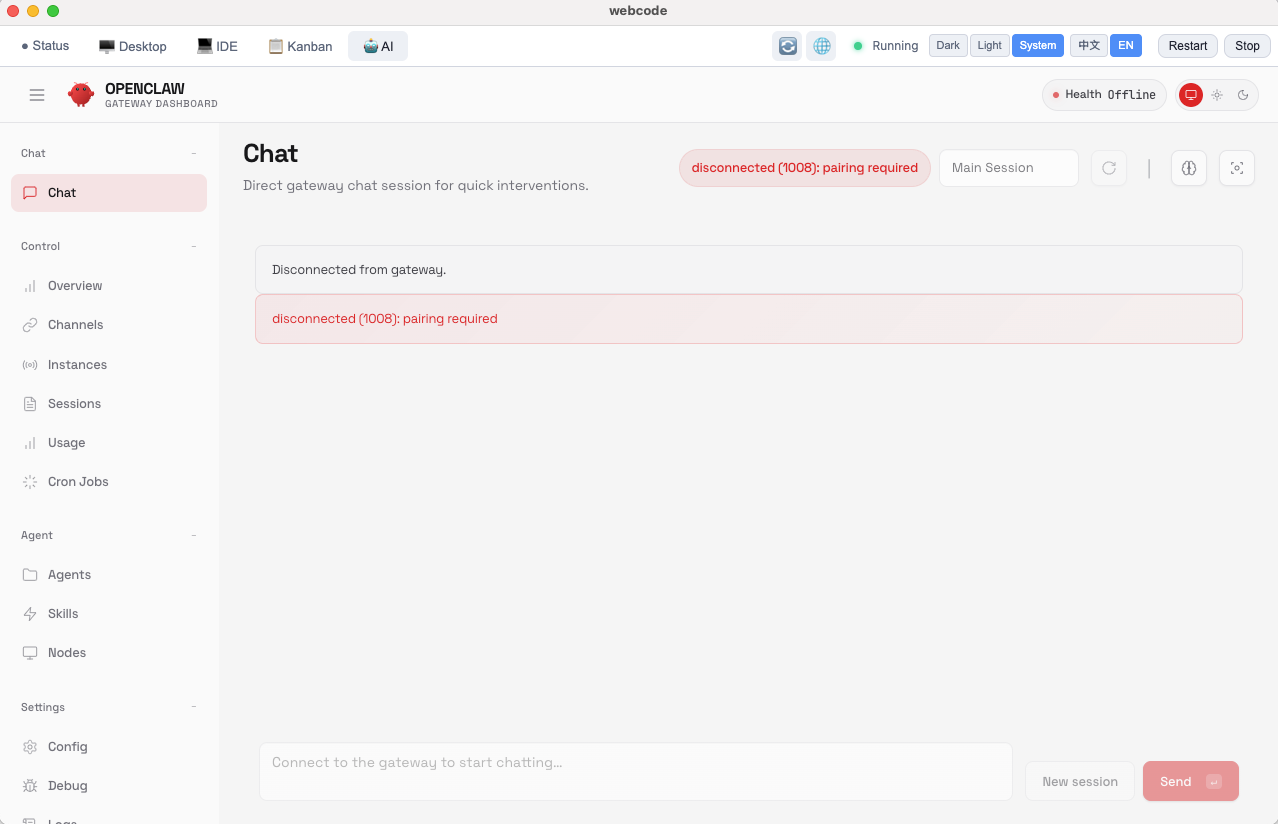
Self-hosted AI assistant
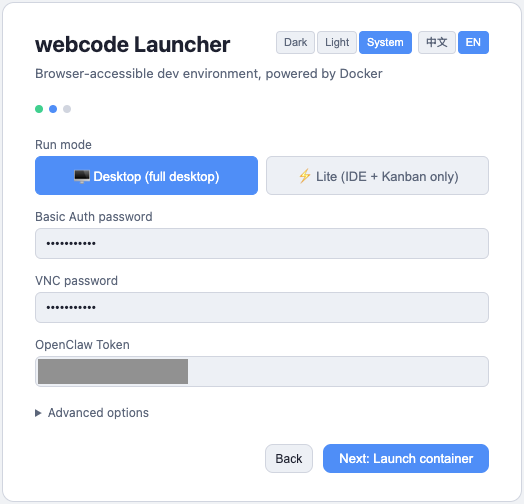
Simple configuration wizard
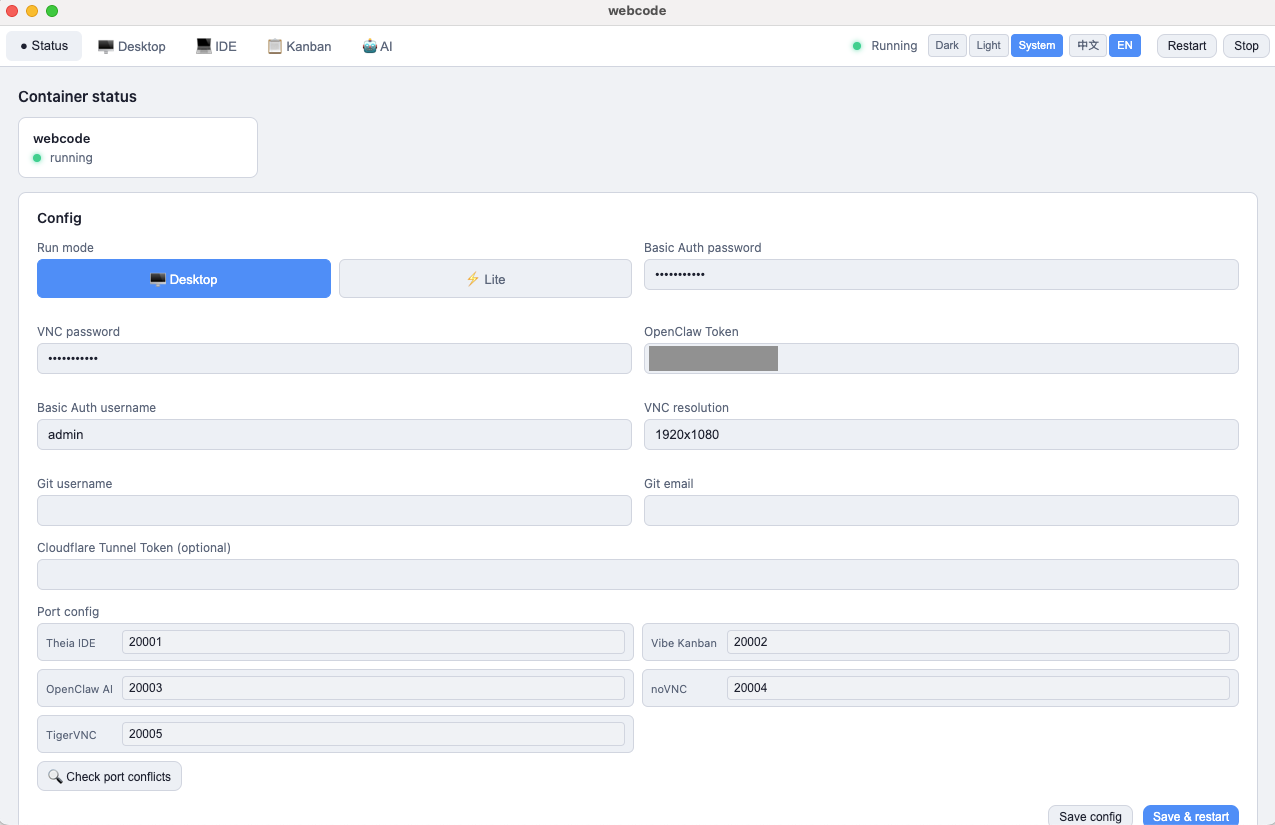
Real-time container status
Everything you need for modern development
Full-featured code-server IDE with Git SCM, extensions, and terminal access
Built-in Vibe Kanban for organizing tasks and tracking project progress
Complete GNOME desktop accessible via noVNC in any browser
OpenClaw integration for private, self-hosted AI assistant capabilities
Sandboxed Docker environment protects your host from any risks
Built-in fcitx with Google Pinyin for seamless Chinese text input
Perfect for various development scenarios
Safely test AI tools and code generation in an isolated environment
Perfect sandbox for learning Linux, Docker, and web development
Access your development environment from anywhere via browser
Spin up isolated environments for quick experiments and testing
See how we compare to other solutions
| Feature | webcode | Local VS Code | GitPod/Codespaces |
|---|---|---|---|
| Browser Access | ✓ | ✗ | ✓ |
| Full Desktop Environment | ✓ | ✗ | ✗ |
| Local Execution | ✓ | ✓ | ✗ |
| Isolated/Sandboxed | ✓ | ✗ | ✓ |
| Offline Capable | ✓ | ✓ | ✗ |
| Free | ✓ | ✓ | Limited |
| Self-Hosted | ✓ | N/A | Paid |
Get the desktop launcher for your platform
Version: 1.5.9
Three easy ways to get started
Download the launcher for automatic setup and management
Quick setup with a single command (requires Docker)
curl -fsSL https://get.webcode.dev/install.sh | sh
Manual Docker setup for full control
docker run -d -p 20001:20001 land007/webcode:latest
Frequently asked questions
You need Docker Desktop installed and at least 4GB RAM available. The full desktop image is about 3GB.
Yes! The launcher supports multiple instances with different configurations and port mappings.
Yes, all your data is stored in Docker named volumes and persists across container restarts. You can also mount custom directories.
Yes, set MODE=lite for a lightweight version with just the IDE and Kanban, no VNC desktop.
After starting, access IDE at port 20001, Kanban at 20002, AI gateway at 20003, and noVNC at 20004. All use Basic Auth (default: admin/changeme).
webcode is licensed under SSPL. Personal use, learning, internal tools, and open source projects are completely free. However, cloud providers must open source their code if offering this as a service to third parties. Commercial licenses are available for businesses seeking more flexible usage rights.